
Shopify Tutorial
Sidekick App Extensions: how to make your Shopify app usable by AI
A merchant installs your app and a week later they ask Sidekick about it. Sidekick replies "I don't know".
Even though your app is clearly there in the Shopify Admin, Sidekick knows none of it.
Merchants are left to figure it out or contact app support for help.
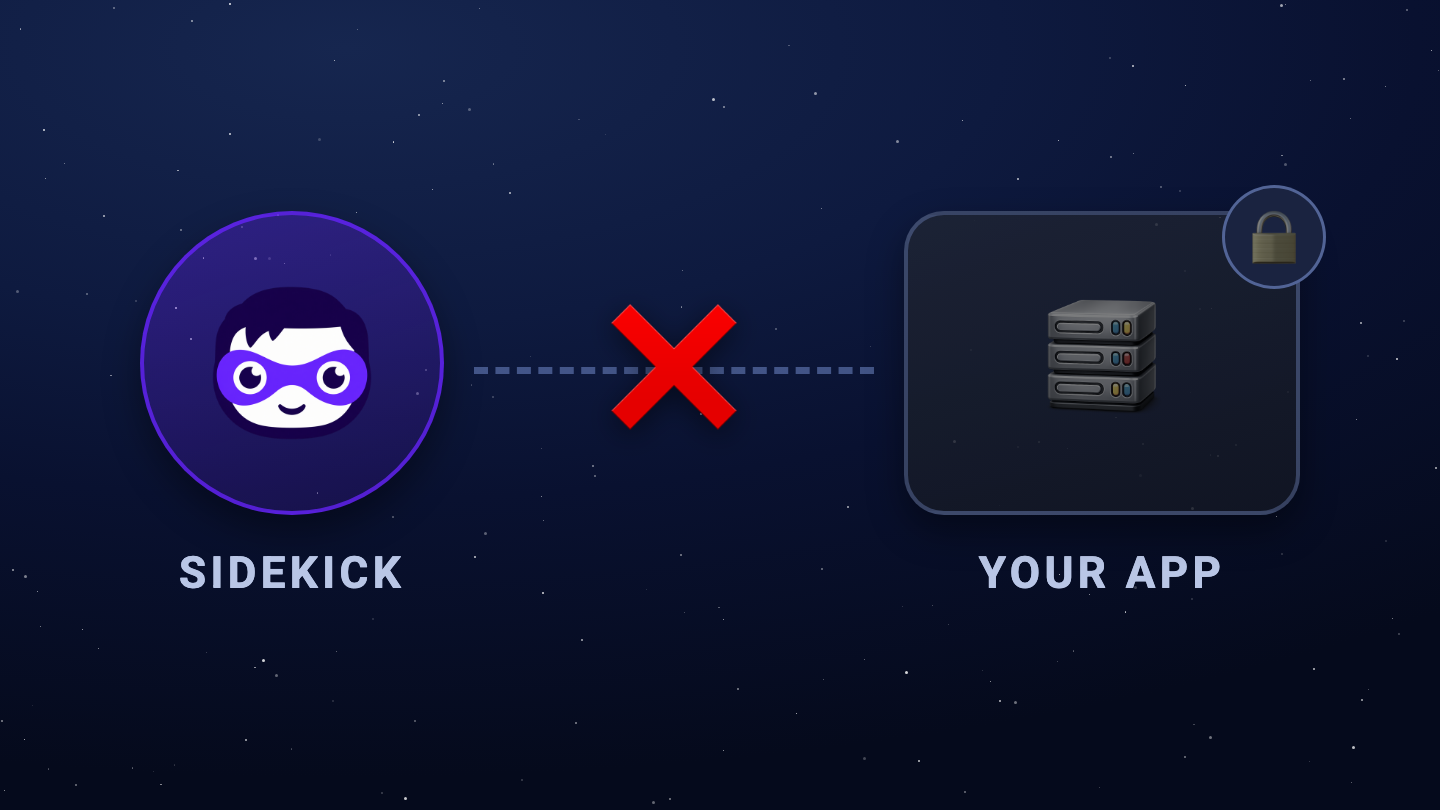
Thankfully, Shopify released Sidekick App Extensions - the bridge that closes the gap between Sidekick and your app.
Your app ships a set of tools and Sidekick uses them - guiding the merchant and extracting grounded insights to use.
In this post, we'll be tackling just that. We'll be going over what it is, the two types, the important fields, the limits, the surrounding policies and most importantly, a good place to get started.
Let's go!
What are Sidekick App Extensions?
Sidekick App Extensions is the main bridge that connects your app to Sidekick.
It allows merchants to use Sidekick to derive insights from your app or perform actions autonomously.
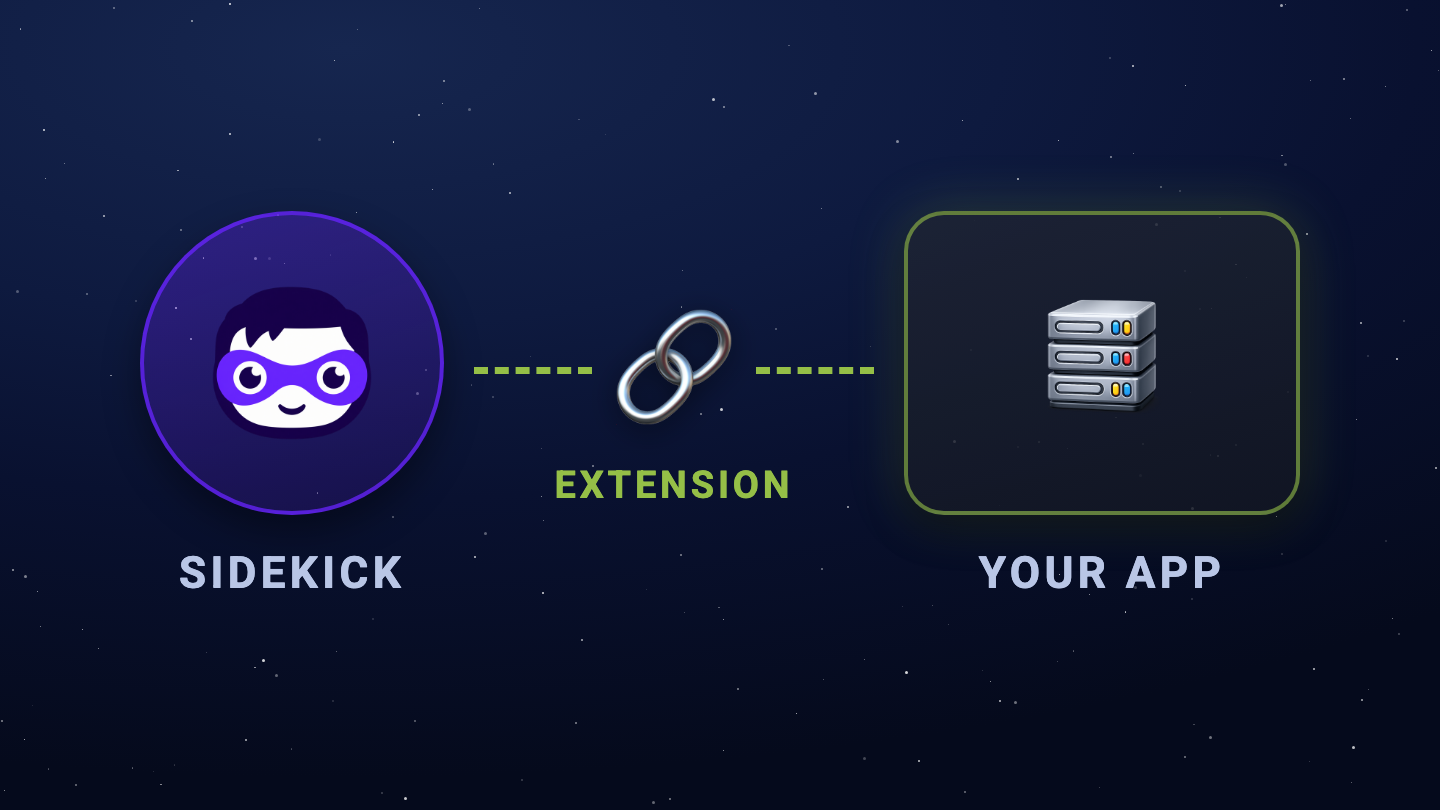
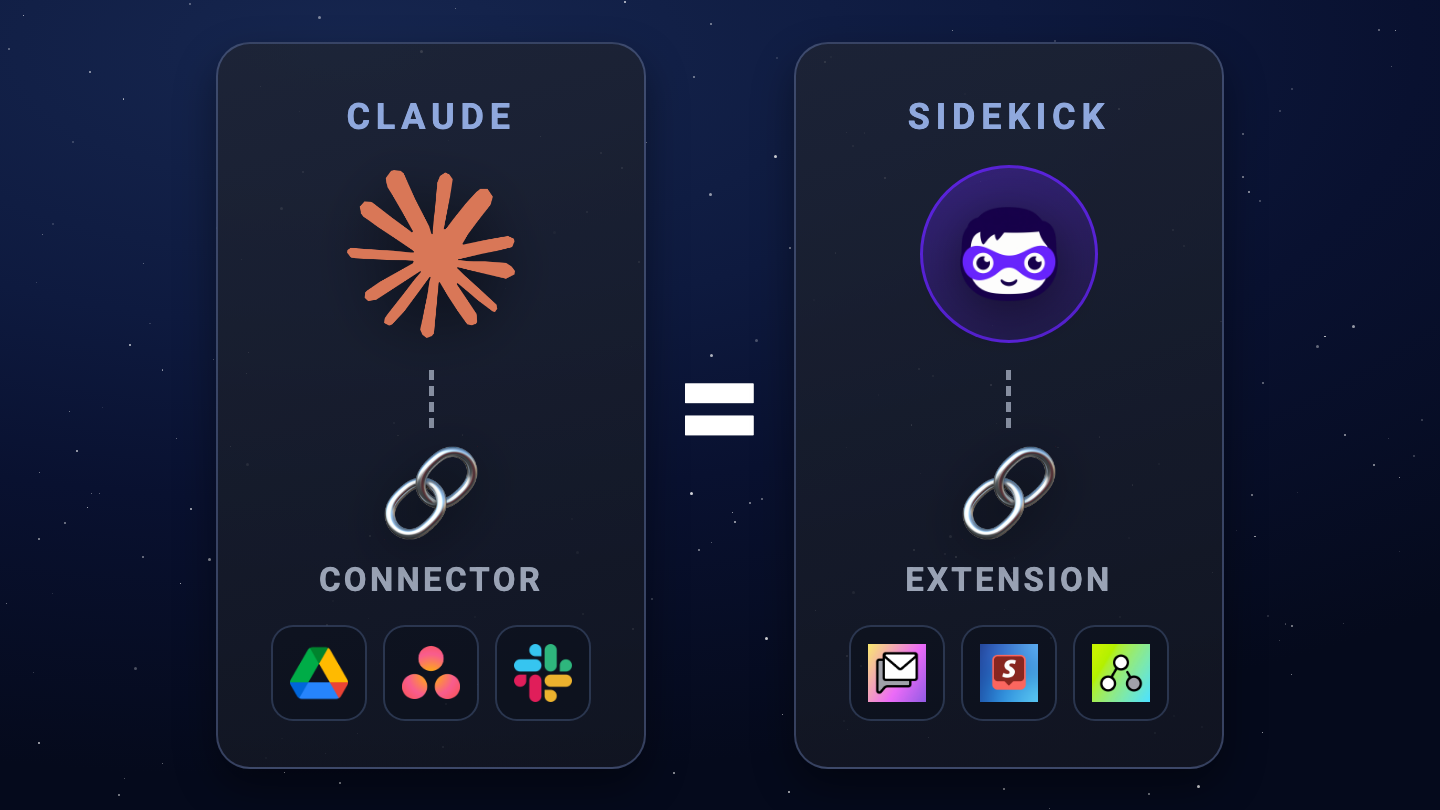
If you've used Claude Connectors before, you already know how this works.
Claude Connectors connects Claude to various apps such as Google Drive, Asana and Slack. Once connectors are in place, Claude can then use these connections to get data from the app or perform actions (eg. summarize the last messages or send a message in Slack).
The concept is the same here, except switch Claude for Sidekick, and switch apps for Shopify Apps.
There are two types: Get data and Do action.
The Two Types: Get data and Do action
Get data → Sidekick answers questions about your app, grounded in your app's data.
Do action → Sidekick opens your app and starts making the change for the merchant.
Note: Shopify calls these "Expose Data Extensions" and "Expose Action Extensions". This post uses slightly different terms to simplify it, but they are exactly the same thing.
The focus of Get Data is to get data from your app and send it back to Sidekick to give a grounded answer.
The focus of Do Action is to draft an app action for the merchant and return its results, if any.
Other than purpose, the two also differ on merchant experience and the template you scaffold with:
| Get data | Do action | |
|---|---|---|
| Merchant flow | Merchant asks → Sidekick gets the data → Data is returned in the answer | Your app gets opened → Edits are drafted → Merchant saves changes |
| Scaffold template | app_data |
app_action_link (or app_action on API 2026-04+) |
How to build a Sidekick App Extension
Both types follow the same path:
- Scaffold.
- Authenticate.
- Configure.
- Write the code.
- Write the tools Sidekick can call.
- Write the description and the summary.
- Pass the policies.
- Stay within limits.
Scaffold command for both is the same also, but use a different template:
shopify app generate extension --template app_data
shopify app generate extension --template app_action_link
Either one gives you a shopify.extension.toml to configure, a tools.json where you declare each tool, and a handler you register in code.
The Shopify Dev Docs gives the full build guide of Get Data Extension and Do Action Extension.
But the code is not the part people will get wrong, it's the descriptions.
The Important Fields for every Sidekick App Extension
Three fields decide whether your tool will ever be called by Sidekick.
- The extension description. Sidekick's first filter: is your app relevant to the merchant question?
- The tool description. Which one of your tools to reach for, and when.
- The instructions file. How to behave once it's using them.
Make sure these are descriptive and simple, not technical nor vague.
They aren't documentation for humans. They're how Sidekick decides whether to reach for your tool at all.
The Limits of each Sidekick App Extension
| Resource | Limit |
|---|---|
| Tools per app | 20, across all extensions |
| Intents per app | 5 |
| Extension description | 256 tokens |
| Extensions summary | 256 tokens |
| Instructions | 2,048 tokens |
| Tool name | 64 characters |
| Tool description | 512 characters |
| Query string | 500 characters |
| Response size | 4,000 tokens |
| Response time, data | 1 second |
| Response time, actions | 3 seconds |
As of writing, these are the limits set by Shopify on Sidekick App Extensions.
The most notable limits:
- Twenty tools, across every extension you ship. Not twenty per extension, twenty per app. That means you'll have to identify which deserves a tool to be created. Your frequently asked questions or frequently requested support is a good place to start creating tools for.
- One second to return data, three to complete an action. Make sure your app has fast response times, else it won't be added in.
Other limits revolve around token / character limits for descriptions and summaries.
Passing the content and safety policy
Then the content and safety policies for Sidekick App Extensions.
The policies can be compressed into one line: keep it about your app. If it's not about your app, it won't pass.
- Do describe what your tools do factually
- Return structured data that matches the tool's declared purpose
- Keep data extensions read-only
Don't ship anything that isn't about your app. Examples include: Steering Sidekick's decision making or Upselling the merchant.
To test if your action passes the policies, use the developer preview.
In developer preview, every action runs against the policy and the result lands in the Sidekick event logs. OK means merchants can use it. Error means it was blocked and never appears in Sidekick at all.
Two things this isn't
Not an extension-only app. Sidekick extensions aren't on Shopify's extension-only list. There has to be a real app behind them.
Not the AI Toolkit. The AI Toolkit is for developers building on Shopify. It doesn't give a merchant's Sidekick a way into your app.
Where to start
Take the one question merchants keep asking you in support. Build the one tool that answers it.
That's a Get data extension that Sidekick can answer.
Take the frequently requested hands-on help you get in support.
That's a Do action extension that Sidekick can help the merchant with.
Final Thoughts
And that's a wrap! Now you've learned everything you need to know to get started with Shopify Sidekick App Extensions.
Every app will someday plug into Sidekick. Most developers are still sleeping on this one, and the ones who are early will reap the advantage.
Start with the Sidekick App Extensions overview, then the build guide for the type you picked.
Cheers,
Jan
FAQ
What are Sidekick App Extensions?
They let your Shopify app expose data and actions to Sidekick, so Sidekick can answer merchant questions about your app and make changes inside it. You decide which tools it gets.
How many tools can a Sidekick extension have?
Twenty per app, across all extensions, plus a maximum of five intents per app.
Do Sidekick extensions change merchant data automatically?
No. Sidekick drafts the change inside your app and the merchant clicks Save. It doesn't commit on its own.
Can I build a Sidekick extension without an app?
No. It isn't on Shopify's extension-only list, so it requires a real app behind it.
Are Sidekick App Extensions the same as the Shopify AI Toolkit?
No. The AI Toolkit helps developers build. Sidekick App Extensions connect a merchant's Sidekick to your installed app.