
How to Sell Accessibility Audits to Shopify Clients
Turn Compliance Risk into a $1k–5k Service Offer
Why Accessibility “Suddenly” Matters
1. Larger Audience
Over 1 billion people worldwide live with some form of disability — visual, motor, cognitive, or age-related.
Most of them shop online. But when a store has poor contrast, missing labels, or no keyboard navigation, they might just leave. Silently. No complaint, no support ticket. Just gone.
So accessibility directly expands your addressable market.
2. SEO & Technical Quality (nice to have)
Accessible sites use clean structure, semantic HTML, and proper labeling.
Those same principles improve crawlability, usability, and overall site quality.
Accessibility often overlaps with strong SEO fundamentals.
3. Legal & Financial Risk (urgent)
In multiple regions, online stores fall under accessibility laws like:
Law firms and advocacy groups often use automated scanning tools to identify accessibility issues, then send demand letters with settlement requests (commonly a few thousand to ~$10k+).
Merchants often end up paying the settlement to avoid:
Learn Delivery / Accessibility Fundamentals
Before selling anything, we need to learn how to deliver the service.
This includes:
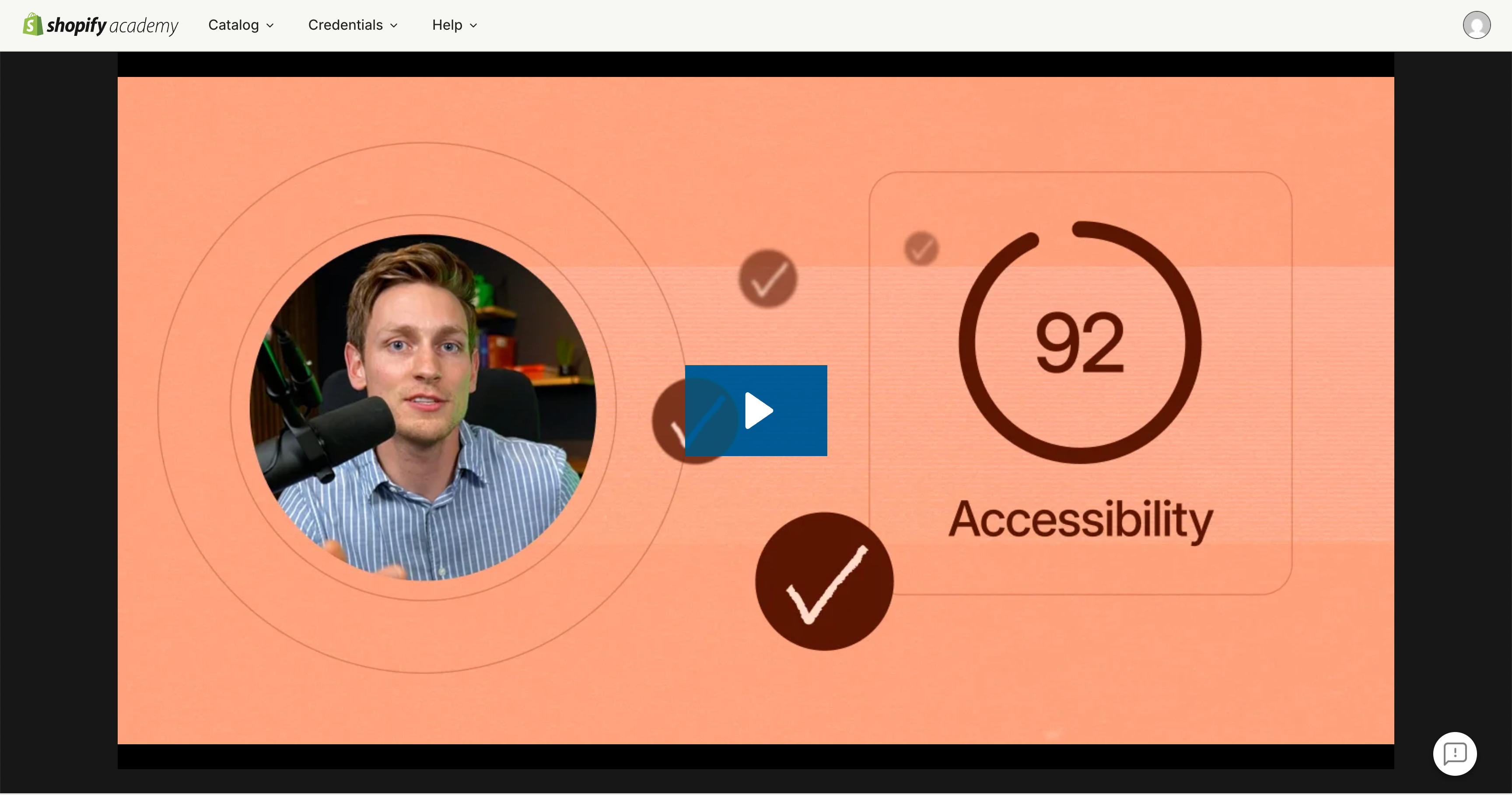
A good place to start is the accessibility training inside Shopify Academy, that we co-created.
It covers practical implementation inside Shopify themes and walks through common accessibility mistakes developers make.
You’ll also find recommended tools for auditing existing sites.
Beyond that, you can find various WCAG checklists online and use them to build your own branded audit templates and reporting framework.
Use AI tools to generate professional-looking report templates, branded cover pages, and visual summaries. A polished PDF that looks like it came from a premium agency. (Not a freelancer with a Google Doc.)
If you want to learn how to leverage AI to the max, keep an eye on the AI Shopify Developer Bootcamp.
Package and Sell to Clients
Now let’s turn accessibility into an offer.
Start with what fits your current skill level and adjust pricing so that you feel comfortable.
- Full WCAG scan (automated + manual)
- Prioritized issue list with severity ratings
- PDF compliance report (branded)
$1,000–$3,000
Everything in A, plus:
- You fix all critical and major issues
- Re-test after fixes
- Updated compliance documentation
$3,000–$5,000
Scope depends on store complexity. A basic theme with 10 pages is different from a custom build with 50+ templates.
- Monthly monitoring (automated scans + manual spot checks)
- Fix new issues as they appear (theme updates, new pages)
- Quarterly compliance report
3–5 hours monthly ($300–$500)
How to Sell This
Two paths, depending on where you are.
1. Existing Clients (Easiest)
Run a free quick scan on their store.
Send them the results.
Don’t pitch yet. Just share:
Attach 2–3 screenshots of real issues. Let the results do the talking.
If they show interest, make the offer.
Let them know you’ve been learning about accessibility and offer a pilot project.
$800 — discounted pilot price (target: $1,500)
You get a case study, they get peace of mind. Both sides win.
Best timing: during a redesign, migration, or after they mention legal concerns.
2. New Clients (more difficult, but also possible)
Build your audit portfolio.
Audit 2–3 stores. Document everything. Create a sample PDF report you can show new prospects.
(Ideally focus on one niche in the beginning. If you show new clients a case study similar to their store, your chances are much better.)
Scan stores in your niche. If you find clear issues, reach out and show them.
In parallel: Post about it
Create content showing real accessibility issues you’ve found (anonymized).
Break down what’s wrong, why it matters, and how to fix it.
This does two things:
Long term: SEO & paid ads
Accessibility is a topic store owners actively search for.
Try to rank for SEO keywords or bid using paid ads.
This is not beginner friendly though — and becomes much easier once you have a track record, can handle client objections, and have really strong case studies.
Want to Move Faster?
Everything in this guide becomes easier with AI.
Auditing stores, fixing theme code, building professional reports. All of it can be done in a fraction of the time if you know how to use AI tools properly.
That and more is exactly what the AI Shopify Developer Bootcamp teaches. AI-native Shopify development, applied to real client work.
Learn More →