
Your First Shopify Flow Client
A practical guide to selling your first $1,000 Shopify automation project.
Why Merchants Pay for Automation
Merchants care about three things:
(All related to more money & profit in the end.)
Why Manual Work Is Expensive
Let’s look at a simple example: adding a free welcome gift to an order.
This is something I implemented for a client recently. They sell supplements.
If it’s a customer’s first order, they wanted to:
Sounds simple. But without automation, someone has to:
At 3 orders per day, this is manageable. At 50+ per day, it becomes time-consuming — and mistakes happen too.
This is exactly where automation creates leverage.
Calculating the ROI of Automation
Assume:
50 orders × 2 minutes = 100 minutes per day
= 1h 40 min per day
= roughly 50 hours per month
If ops staff cost $20/hour:
50 hours × $20 = $1,000 per month
(If everything goes perfect.)
Taking Mistakes Into Consideration
Assume 50 orders per day = 1,500 per month.
If 30% qualify for the welcome gift = 450 orders.
Expect some kind of mistake on 2% of these = 9 orders per month.
If each mistake costs $15 average (reshipment, support time, refund, discount):
9 × $15 = $135 per month
$1,000 + $135 = $1,135 / month
= $13,620 / year
Or in other words: if we automate this, total savings = $13,620 / year.
(Make sure to explain this to clients!)
How to Learn Shopify Flow (Fast)
Before you can sell automation, you need to understand how to set it up.
The good news: it’s not crazy complicated and you don’t need months of learning.
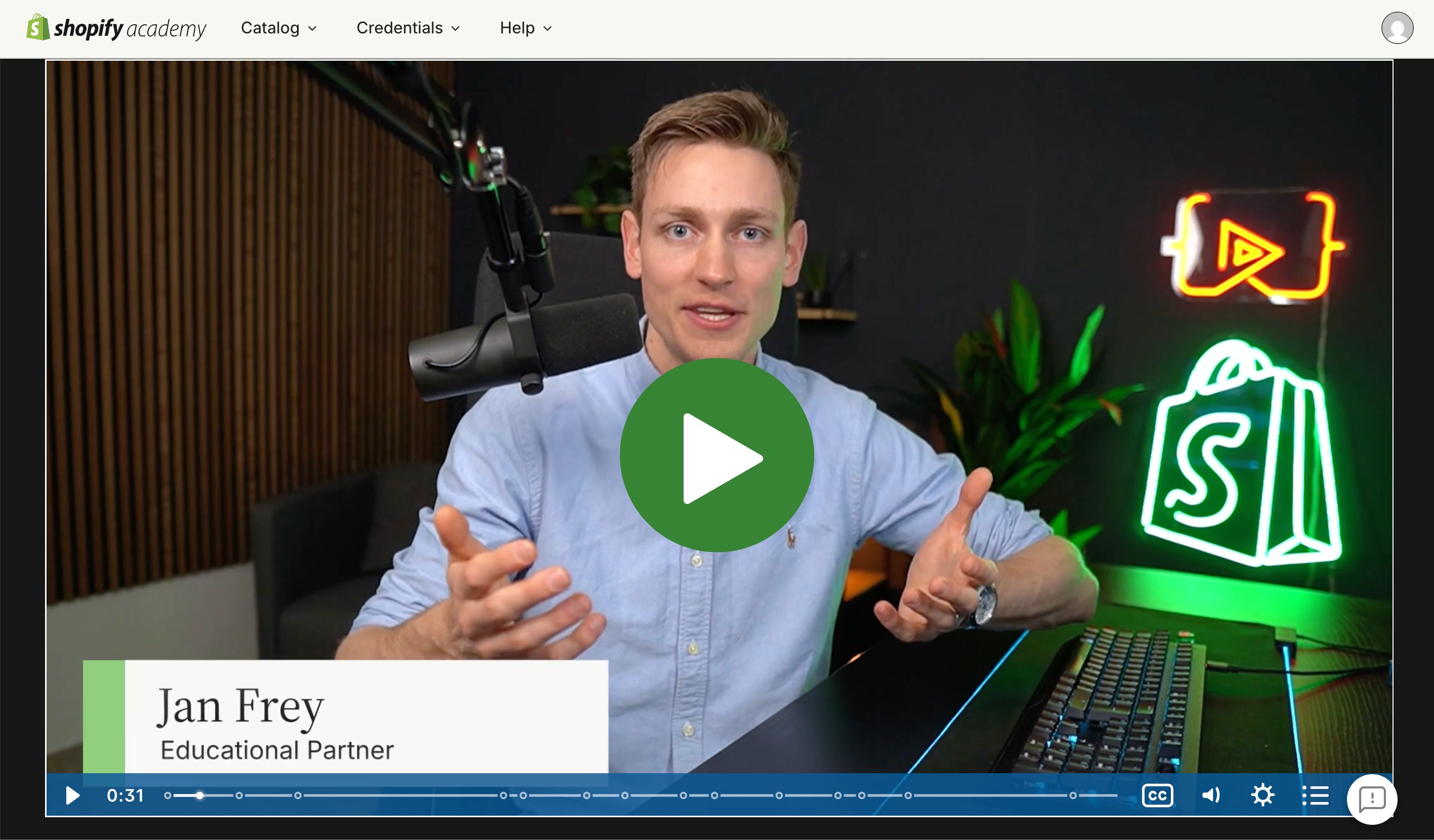
Start with the overview video on Shopify Academy that we co-created. (It was inspired by the welcome gift use case above.)
If you also want to learn how to make API calls and build more complicated workflows:
→ Watch the more advanced tutorial here
Beyond that, you can always use Google, look at the documentation, consult with AI. Just do whatever is needed to figure out specific problems.
How to Sell Your First Shopify Flow Automation
There are two paths:
Path 1 — Selling to Existing Clients
1. Build 2–3 Flow demos
You can do this while learning. Think of this as your “portfolio”. Pick common workflows (welcome gift, high-value order alert, refund follow-up).
2. Approach all your clients (and previous clients)
Tell them you’ve been exploring backend automations with Shopify Flow. Show them 2–3 example workflows you’ve built (short Loom or screenshots).
Then simply ask them:
3. Calculate the Opportunity Cost & Make the Offer
Try to estimate what the manual process is costing them per month.
Position the project at $1,500. Offer it at $1,000 as a pilot project — $500 discount since you already enjoy working with them.
4. Build case studies, increase pricing, and repeat.
Path 2 — You Don’t Have Clients Yet
1. Build a Strong Automation Portfolio
Create 3–5 documented Shopify Flow workflows. Either build a landing page dedicated to this (your portfolio) or record short Loom videos explaining the problem and outcome. This becomes your proof of expertise.
2. Finding Potential Clients
Option 1: Use Platforms Like Upwork
Search for “Shopify Flow”. These projects are rare, but come up every now and then.
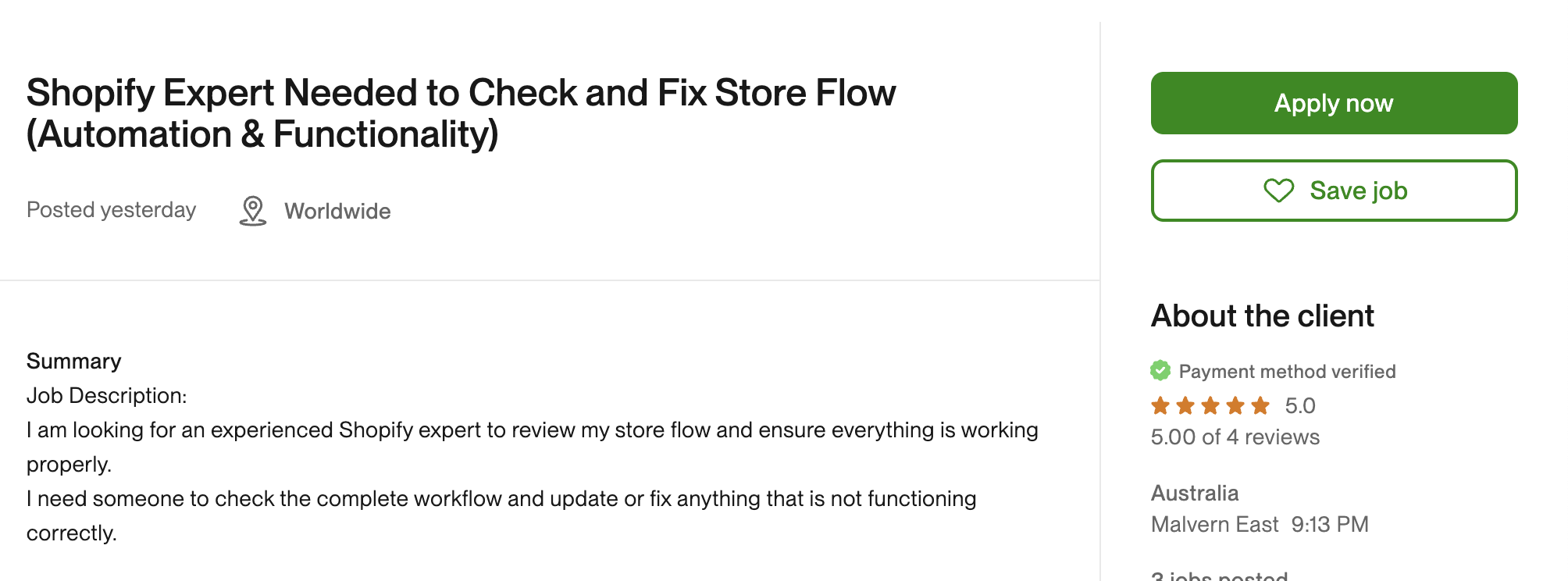
Even if the projects have set low budgets, they’re still worth pursuing. Building case studies, potential follow-up projects, and building expertise should be your main priorities.
Option 2: Generate Inbound Requests
Create content showing real automations. Post workflows, breakdowns, short Loom clips. Over time, this attracts store owners and agencies.
Option 3: Cold Outreach with Proof
Expect a lot of rejection or no-replies early.
Reach out to stores or agencies directly. Show your portfolio and ask them if they could need help automating certain tasks.
(The first few are the hardest. The more case studies you build, the easier this becomes.)
Need Help Executing This?
Don’t waste months figuring this out alone.
If you want structured guidance, real-world case studies, and a clear roadmap:
Inside the program you’ll:
We have hundreds of reviews and real student case studies.
Ready to Land Your First Flow Client?
Everything in this guide becomes easier with the right support. The AI Shopify Developer Bootcamp gives you structured learning, real case studies, and a community of developers doing the same thing.
Join the Bootcamp →